IPTV services for Europe, explained simply
Independent guidance on Dino, TREX and Strong. We help you choose the right service for your country and device — and you confirm the current price directly on WhatsApp.

Honest guidance
We explain what each service offers and confirm current details before you decide — no invented claims, no pressure.
Device-first advice
Smart TV, Fire TV, Android TV, Apple TV or phone — we match the setup to the devices you already own.
Local language support
Enquiries answered in English, German, French, Spanish, Italian, Portuguese, Dutch and more.
Direct WhatsApp contact
One message with your country and device is all it takes to get current options and pricing.
IPTV services we support
Three established services. We provide information, setup guidance and current pricing on enquiry — choose the one that fits how you watch.



Why choose pulsestreamTV
Transparent process
You always know the next step: ask, compare, confirm on WhatsApp, set up.
Real setup help
Step-by-step instructions for your exact device, not generic PDFs.
No fake promises
We do not invent channel counts, uptime figures or reviews. What we know, we say.
Europe-wide
Enquiries handled for 15 European markets, in the language you prefer.
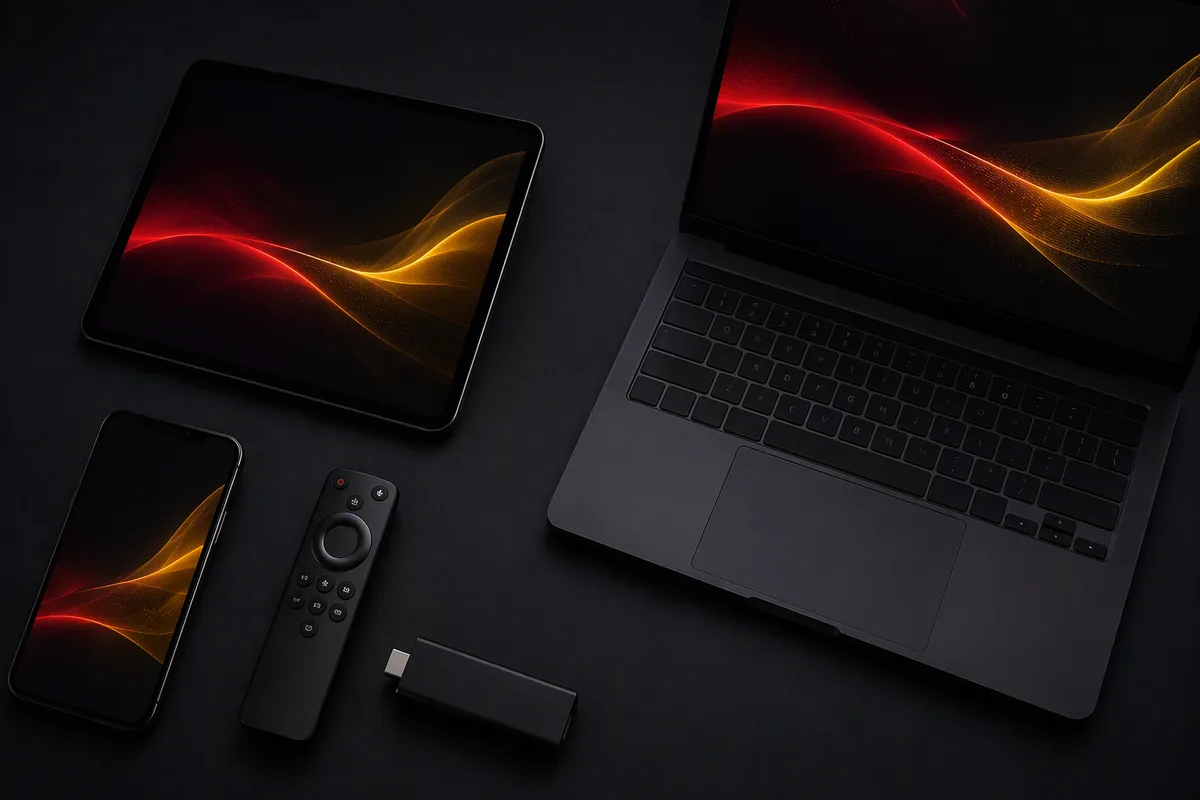
Works on your devices
From the living-room TV to your phone — we guide the setup on all major platforms.
Smart TV
Most modern Smart TVs run IPTV player apps directly — no extra hardware needed.
Android TV
Android TV boxes and sticks offer the widest choice of IPTV player apps via Google Play.
Amazon Fire TV
Fire TV Stick and Fire TV Cube are among the most popular IPTV devices in Europe.
Apple TV
Apple TV offers polished IPTV player apps through the tvOS App Store.
How it works
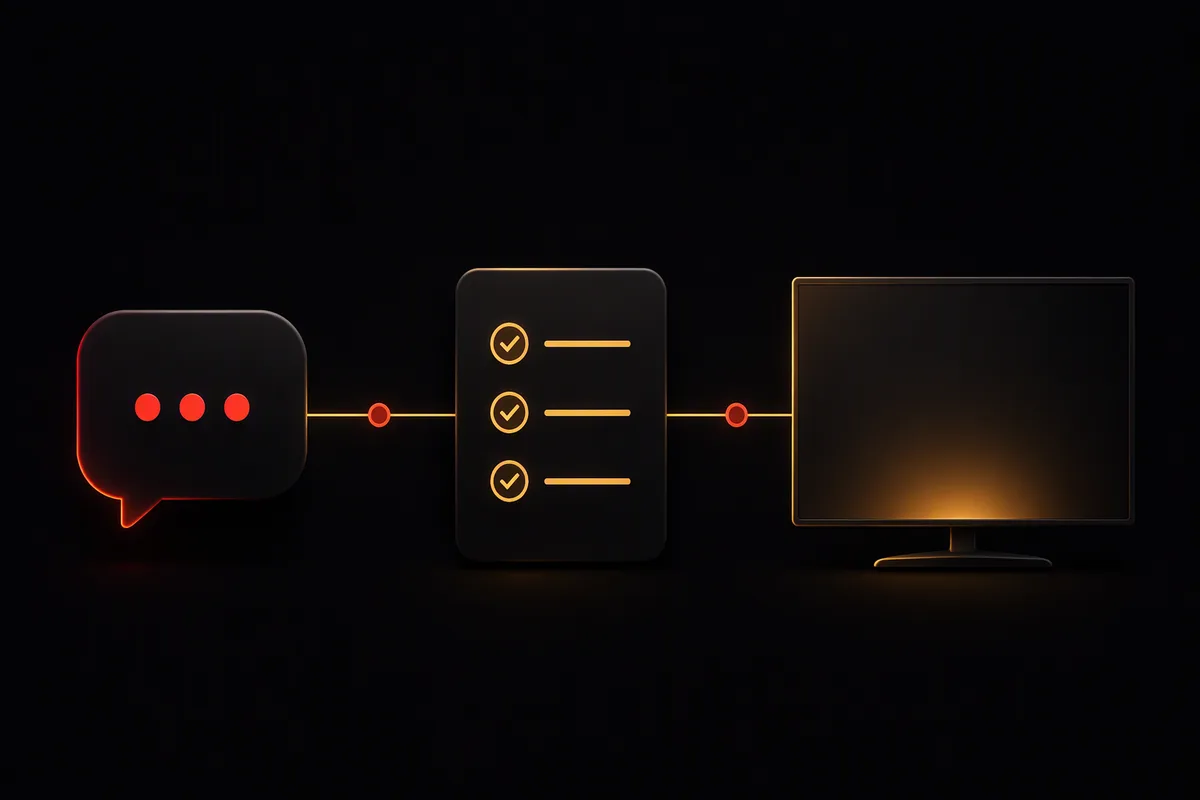
1. Message us
Tell us your country and device on WhatsApp.
2. Get options
We reply with current options and the best price for your setup.
3. Set up & watch
Follow our step-by-step guide for your device and start watching.
Available across Europe
We handle enquiries for the United Kingdom, Germany, France, Spain, Italy, the Netherlands, Belgium, Switzerland, Austria, Portugal, Ireland, Sweden, Norway, Denmark and Finland.

United Kingdom
IPTV enquiries for viewers across England, Scotland, Wales and Northern Ireland.
Germany
IPTV-Anfragen für Zuschauer in ganz Deutschland.
France
Demandes IPTV pour les téléspectateurs partout en France.
Netherlands
IPTV-aanvragen voor kijkers in heel Nederland.
Spain
Consultas de IPTV para espectadores en toda España.
Italy
Richieste IPTV per spettatori in tutta Italia.
Useful IPTV guides
Plain-language guides on setup, internet requirements and troubleshooting.
Ethernet vs Wi-Fi for IPTV: Which Should You Use?
Ethernet or Wi-Fi for IPTV? A practical comparison covering stability, real-world buffering causes, and what to do when a cable is not an option.
Read more →IPTV on Apple TV: Setup Overview
How IPTV setup works on Apple TV: player apps from the tvOS App Store, account-region pitfalls, and connection tips.
Read more →How to Choose an IPTV Service: A Practical Checklist
How to choose between IPTV services like Dino, TREX and Strong: the questions that matter, the red flags to avoid, and how to decide with confidence.
Read more →Frequently asked questions
What devices are supported?
Smart TVs (Samsung, LG and others), Android TV, Google TV, Amazon Fire TV, Apple TV, MAG boxes, Windows, macOS, iPhone/iPad and Android. Tell us your exact model and we will confirm compatibility.
How does setup work?
Everything is done remotely. Message us on WhatsApp with your device, and we send step-by-step instructions for your exact model. Most setups take only a few minutes.
What internet connection is recommended?
Stability matters more than raw speed. Allow roughly 15–25 Mbps per HD stream, and use an Ethernet cable instead of Wi-Fi where possible.
Ethernet or Wi-Fi?
Ethernet where possible — it removes the most common cause of buffering. If you must use Wi-Fi, a 5 GHz network close to the router works best.